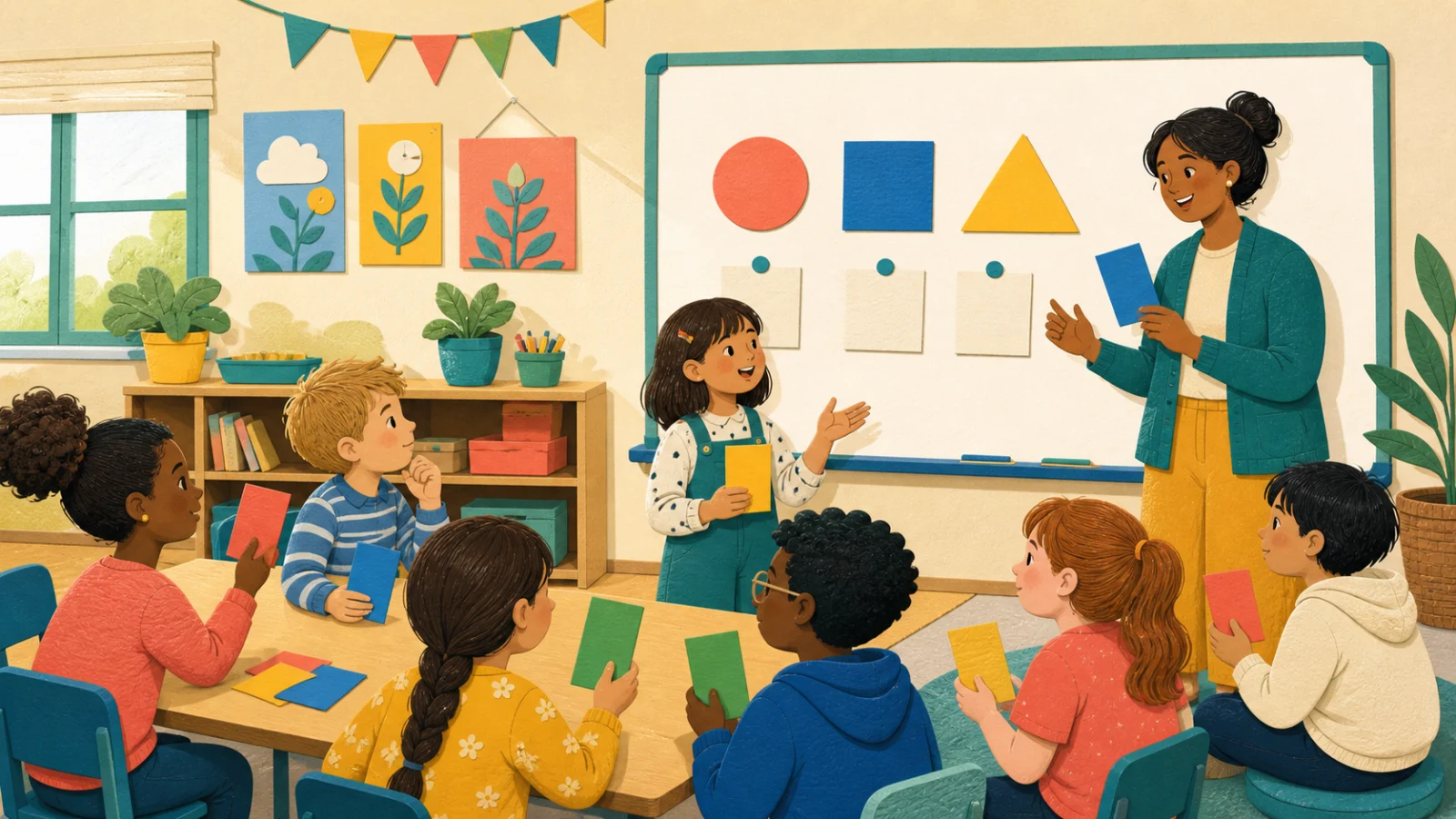
The difference between a useful no-device game and noisy filler is evidence. By the end of each question, the teacher should be able to see who chose what, hear at least one reason, and decide whether to move on. Hands-up questioning fails that test because confident volunteers hide the rest of the room. Cards, corners and mini-whiteboards work because they turn a private guess into a visible class pattern without requiring an account, battery or reliable connection.
Choose a no-device routine
The planner favours a response method that lets you see the whole class, then adds discussion only when time allows.
Instant lesson recipe
No-device game planner
Recommended format
Colour-card reveal
It has the lowest setup cost and exposes the answer distribution before peer influence changes it.
Prepare A–D cards, ask for a face-down choice, reveal together, compare two reasons, then re-vote.
Three no-device formats worth keeping ready
Best for quick checks
Colour-card reveal
Students choose A–D cards privately and reveal together. The teacher sees the full distribution immediately and can ask contrasting answers to explain.
Ask students to place cards face down before the reveal so they cannot simply follow the majority.
Best for reasoning
Four corners
Each corner represents an answer or position. After moving, students compare reasons, then one person explains what would change their mind.
Offer a seated card alternative so mobility, sensory or confidence needs never become public.
Best for worked answers
Mini-whiteboard relay
Pairs solve one step at a time and pass the board. Different handwriting makes role rotation visible and slows down answer domination.
Score the method checkpoint, not only the final number, or pupils will rush past useful reasoning.
A zero-tech setup that takes under five minutes
- Choose one reusable response system — Keep four coloured cards or one mini-whiteboard per pupil in a labelled envelope so setup does not consume the lesson.
- Model one practice question — Teach the reveal signal, discussion voice level and what students do when they are unsure before content questions begin.
- Reveal everyone at once — Simultaneous response reduces copying and gives you a truer picture than sequential hands.
- Sample reasons, not just answers — Invite one correct and one plausible wrong response to explain. Compare the reasoning without naming a pupil as the mistake.
- Re-vote after teaching — A second response shows whether feedback changed understanding; it is the learning payoff, not an optional extra.
Design for access, not assumed confidence
Low-tech should also mean low barrier. Build equivalent ways to participate before the lesson starts.
- Use large, high-contrast cards that remain distinguishable without relying on colour alone.
- Allow pointing or placing a card on the desk instead of holding it overhead.
- Give thinking time before movement or discussion begins.
- Read every prompt aloud and leave it visible while students answer.
- Use team roles that rotate: reader, recorder, checker and reporter.
Next: turn the format into a real lesson
Once the response routine is reliable, add team momentum only where it helps attention. The team-vs-team guide shows how to rotate turns fairly, while the whole-class revision guide combines retrieval, explanation and correction into one lesson arc.
Bring Gamification Into Your Classroom
SparkMyClass features behavior points, pet evolution, and interactive quiz games — making gamified classroom management effortless.